AI CAD for Creo, SolidWorks, Inventor, Fusion and FreeCAD.
Design the first version in Luxxo CAD from one sentence, then open the STEP file in the CAD program your team already uses.
No card needed. Then from €9.
How it fits your CAD workflow
- Describe the part or upload a sketch in Luxxo CAD, in your browser.
- Check the model, the flagged notes and the dimensioned drawing.
- Download the STEP file and open it in Creo, SolidWorks, Inventor, Fusion or FreeCAD.
- Need a change? Describe it in one sentence in Luxxo CAD and download the new version. Every version is kept.
A STEP file carries the exact solid geometry but not the feature history. The named parameters stay in Luxxo CAD, where a one-sentence change rebuilds the whole design.
Native Creo models are next
Luxxo CAD is built by Momo Lažetić, a mechanical engineer who designs in Creo. The next step on the roadmap is creating real Creo features with full model history, instead of imported geometry, using the Creo TOOLKIT programming interface.
Designs to open in your CAD
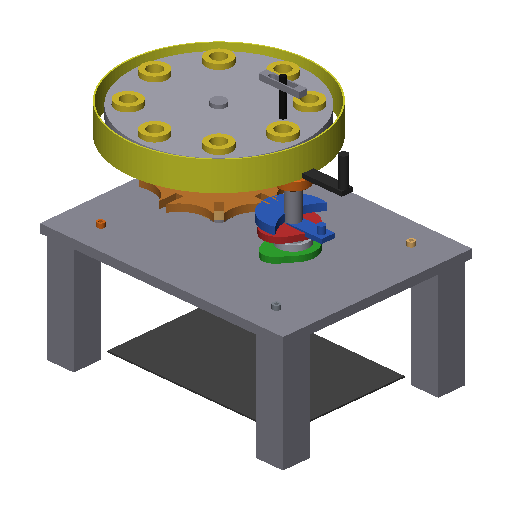 Eight-station Geneva indexing demonstrator
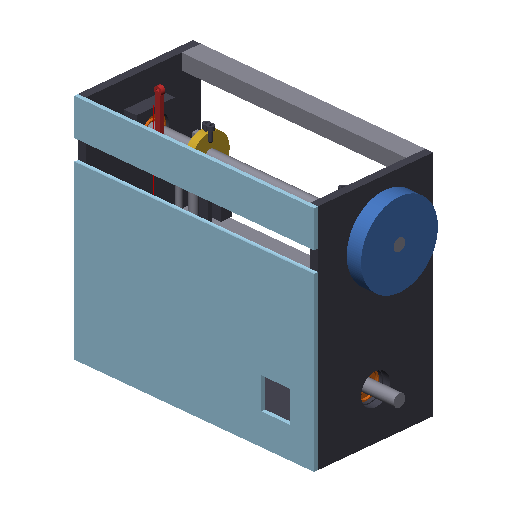 Lockstitch sewing machine demonstrator
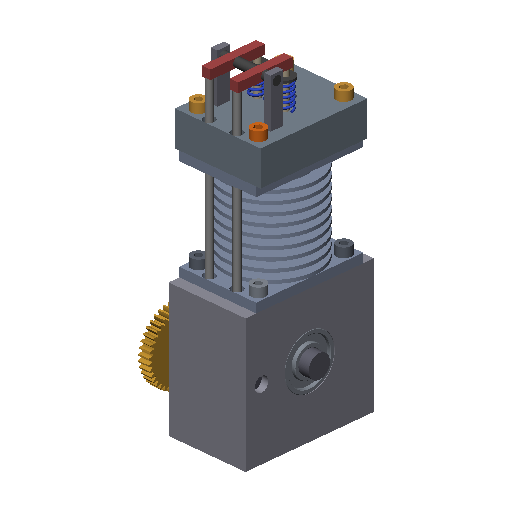 Single-cylinder 4-stroke engine
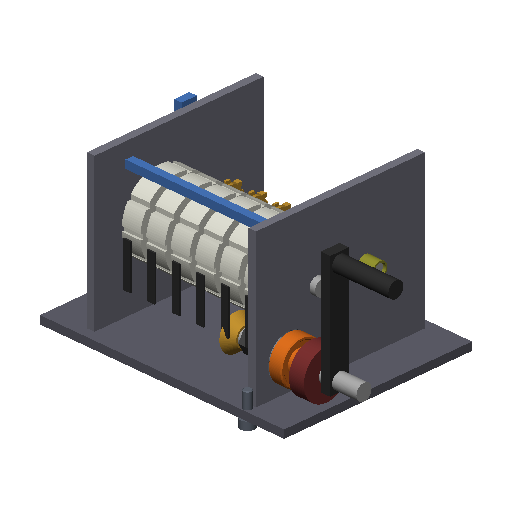 Six-digit reversible mechanical counter
Questions
Do I keep the feature history?
Not through STEP, which carries the exact solid geometry only. Make changes in Luxxo CAD with one sentence and download the new STEP. Native Creo models with full feature history are the next step on the roadmap.
Which file formats do I get?
STEP for any CAD program, STL for 3D printing, DXF flat patterns for laser and plasma cutting with a cut list, a dimensioned A3 drawing PDF, and a parts list with standard parts such as ISO bearings and screws.
Are the models ready for manufacturing?
They are engineering drafts. Each one comes with checks and warnings, and designs that need attention are marked “Needs review”. You or your engineer check dimensions, tolerances and materials before anything is cut or ordered.
Design your own in one sentence.
Describe a part or upload a hand sketch. 5 free designs, no card needed. Then from €9.