
CAD automation and design work for engineering teams
Designers lose hours to work a program could do: re-entering the same data, exporting files, building parts lists, checking title blocks. We write the tools that take that work away.
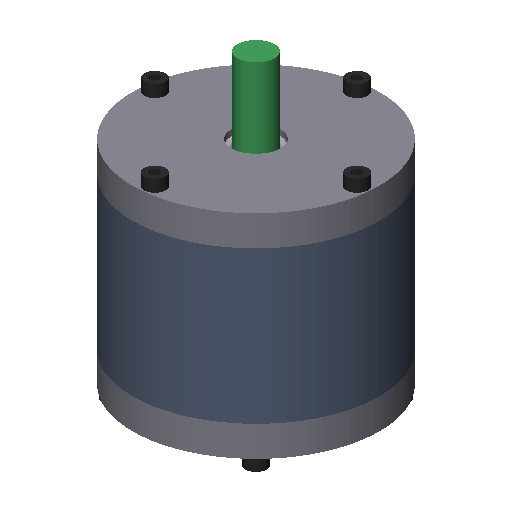
Work that should not need an engineer
These come from 17 years in a design office, not from a brochure.
- Redrawing the same drawing from one CAD system into another.
- Exporting STEP files, PDFs and DXFs one by one for other departments or suppliers.
- Parts lists typed again into a spreadsheet from data the model already holds.
- Modelling existing parts and adding them to the database, again and again.
- Checks before handover: revision, date and scale in the title block, general tolerances, material, quantities.
What we deliver
- Automation tools
- Scripts and small programs that do the repeated steps: exports, parts lists, title-block data, file naming.
- Drawing checks
- A check that runs before handover and lists what is missing, so the reviewer reads a short list instead of a whole sheet.
- Design work
- 3D models and dimensioned drawings, made by a mechanical engineer who works in Creo.
- Files
- STEP, STL, DXF and PDF, which open in Creo, SolidWorks, Inventor, Fusion and FreeCAD.
Proof that we can do it
Luxxo CAD is our own product and uses the same skills.
Luxxo CAD turns a sentence or a hand sketch into a parametric 3D model, a dimensioned drawing, a parts list with standard bearings and screws, and a list of the engineering problems it found. That is CAD automation from end to end, and you can try it free.
See a two-stage planetary gearbox, a welded clevis made from a hand sketch or all 18 designs, each with a free STEP file and drawing.
How it goes
We start small, with one task that costs your team time every week.
You describe one task
What is repeated, in which software, how often and by how many people.
We quote
A written quote for a first tool, with scope and dates.
We build and test
On example files you provide. Your real project data is not needed to start.
Your team uses it
With a short instruction, and changes after the first weeks of use.
Questions
Which CAD systems do you work with?
Our own design work is in Creo, and our tools write STEP, STL, DXF and PDF, which open in Creo, SolidWorks, Inventor, Fusion and FreeCAD. Tell us your system and we will say plainly what is possible.
Do you need access to our confidential data?
Not to start. A first tool can be built and tested on example files you choose.
Can Luxxo CAD be used by our team?
Yes. It runs in the browser at cad.luxxo.sk. The first 5 designs are free, then €9 for 10 credits or €49 a month for 100 credits, excluding VAT.
How much does an automation tool cost?
It depends on the task. You get a written quote before any work starts.
Tell us what you need
Write a few lines about what you want and when you need it. The message goes to the person who will build it, and you get a written quote before any work starts.
or email info@luxxo.sk